mirror of
https://github.com/Katze-942/obsidian-litegal.git
synced 2026-06-18 21:08:30 +00:00
A fork of this Obsidian plugin, with very small improvements
- TypeScript 72.9%
- CSS 15.1%
- JavaScript 12%
| .github/workflows | ||
| .editorconfig | ||
| .eslintignore | ||
| .eslintrc | ||
| .gitignore | ||
| .npmrc | ||
| 404notfound.jpg | ||
| esbuild.config.mjs | ||
| LICENSE | ||
| litegaldemo.gif | ||
| main.ts | ||
| manifest.json | ||
| package-lock.json | ||
| package.json | ||
| README.md | ||
| settingtab.ts | ||
| styles.css | ||
| tsconfig.json | ||
| version-bump.mjs | ||
| versions.json | ||



Obsidian Lite Gallery
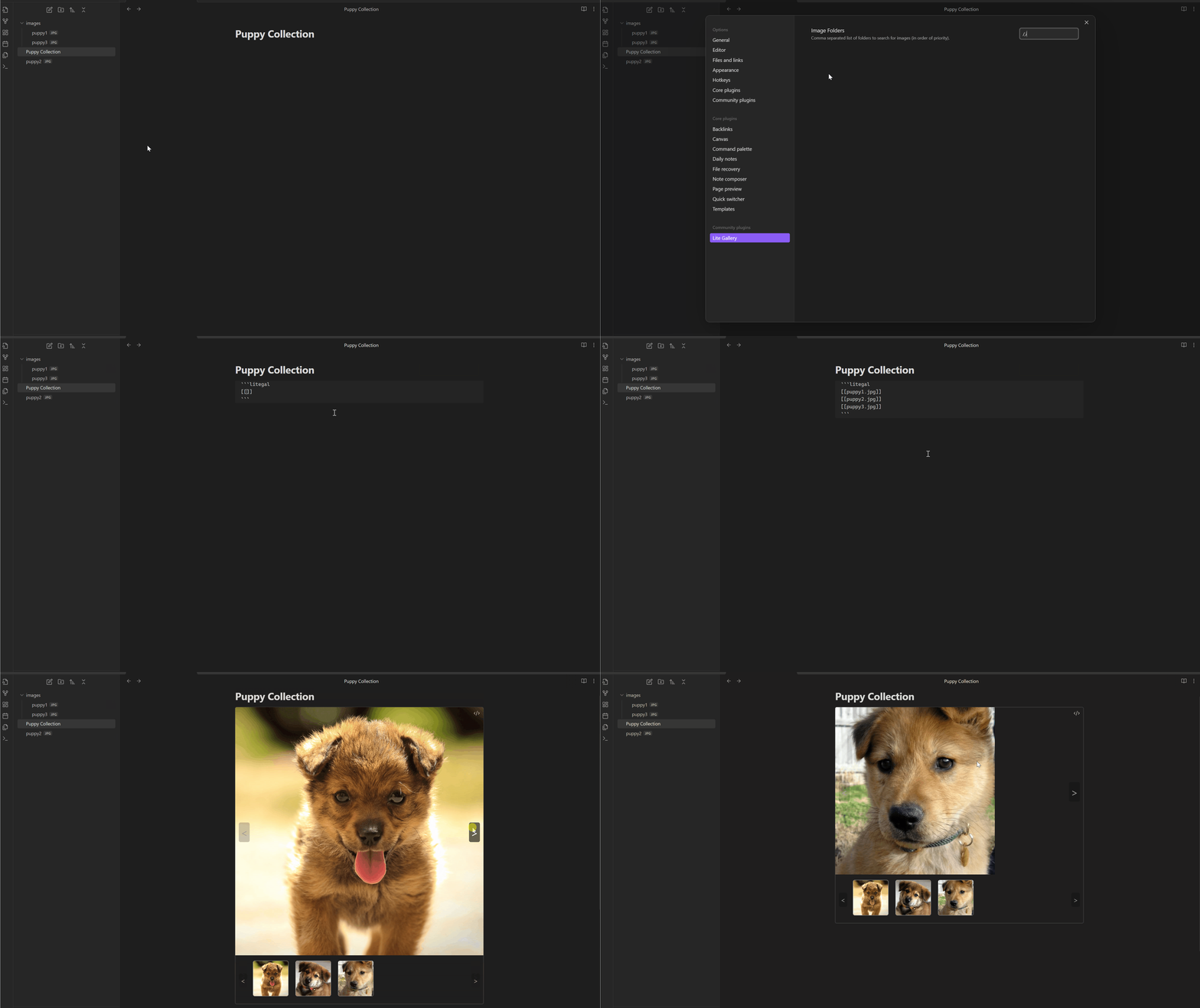
The Lite Gallery plugin for Obsidian makes it easy to create carousel image galleries in your notes. This allows you to neatly organize mutiple images into your notes while improving readability and usability.
How to use
- Install the plugin
- Open up the plugin settings and configure your image directories (separated by commas). In order to make inserting images easier full image paths are not required; the plugin will search through each image directory from your settings list in order, using the first image match it finds:
- For example
/,images,mediawill first search the root folder of your vault, then theimagesdirectory, and finally themediadirectory to search for each image in your gallery.
- For example
- Create a new gallery in your note using the following "codeblock" format:
 ```litegal
[[image1.jpg]]
this_also_works.png
path/to/image3.jpg
 ```
- Note that you can use the obsidian file search by entering
[[in the codeblock; this will not include an absolute path to the file, but as long as the file is in the image directory.
Demonstration: